
Three, two, one: New ways to control Google Pixel Buds


We’re adding three highly-requested features with the latest update that is beginning to roll out today. It’s as easy as 3, 2, 1.
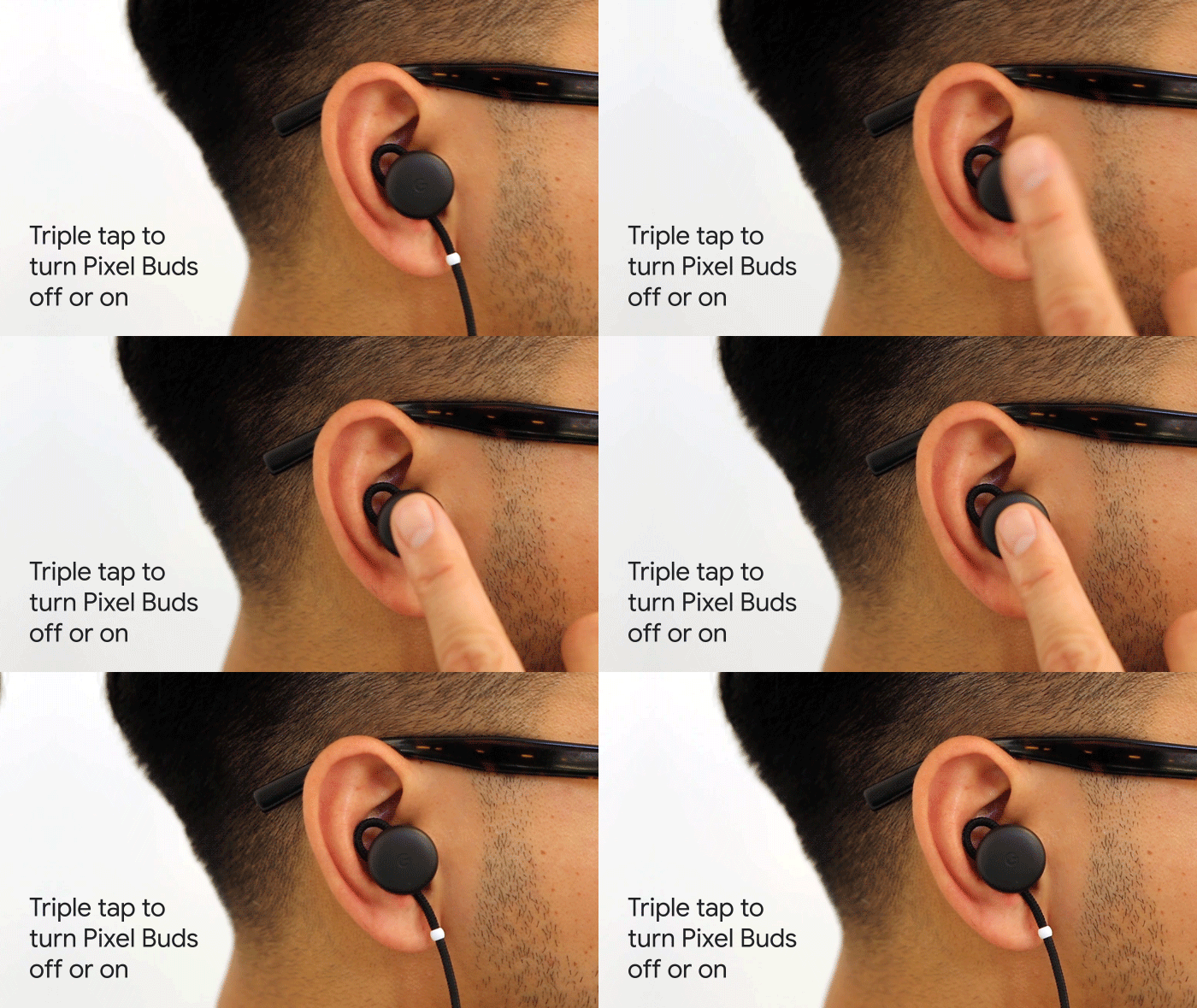
Triple tap: On and off with touch. Pixel Buds can now be manually turned on or off by triple-tapping on the right earbud.
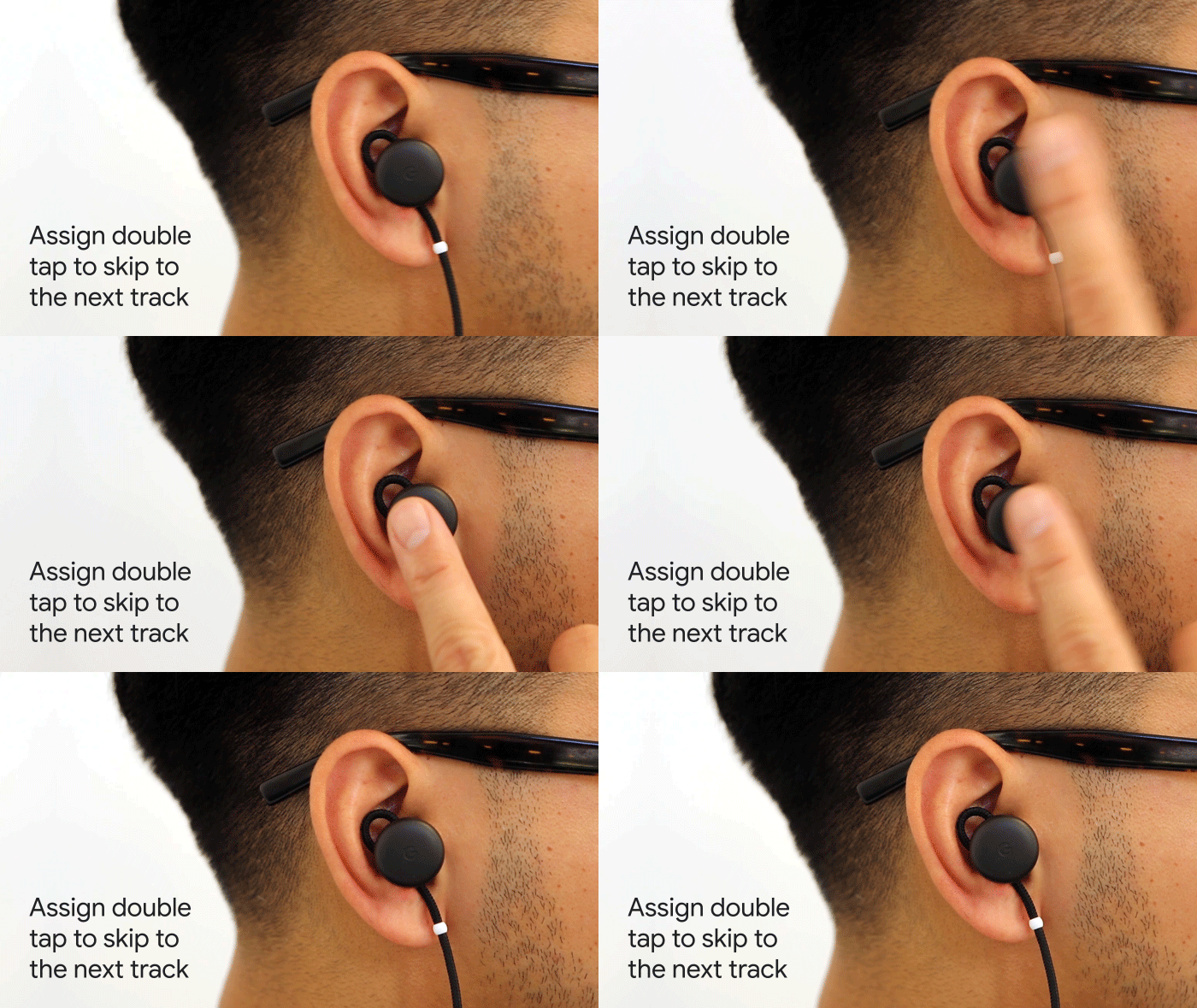
Double tap: Next track. Until now, double tapping let you hear notifications as they arrived on your phone. Now you can set double-tap to skip to the next track. To enable this, go to the Pixel Buds’ settings within the Google Assistant app on your phone and enable double-tap to skip to the next track. You can continue to use a Google Assistant voice command to skip tracks, even if you assign two taps to the “next” track feature.
One easy switch: Pairing devices made easy. To switch your Pixel Buds connection between your phone and computer (or any device you’ve previously paired), select your Pixel Buds from the BluetoothTM menu of the desired device. Your Pixel Buds will disconnect from the device you were using and connect to the new one.
These updates are starting to roll out today and will be available to everyone by early next week. Go to g.co/pixelbuds to learn more.
Source: Google Blog


0 Comments